Guangdong Maifan Technology Co., Ltd.
Lead Time 15 DaysLow MOQ 1 PiecesAverage Response 6-24hEscrow Service16 Reviews


Main Products:All in One PC, Laptop, Mini PC, Monitor, Desktop
Address:Shenzhen,Guangdong,China
Export Year:2017-07-26


Processor Selection Risks Overlooking the processor's generation and model can severely impact performance; opting for outdated options like Intel Celeron N100 or N150 might bottleneck tasks, whereas Intel Alder Lake 12th Gen delivers superior speed and efficiency for demanding applications.
Memory and Storage Configuration Recommendation Insist on at least 8 GB of RAM paired with an SSD storage type—preferably M.2 NVMe SSD or 512 GB and above—to ensure smooth multitasking and faster data access, which are critical for modern computing needs.
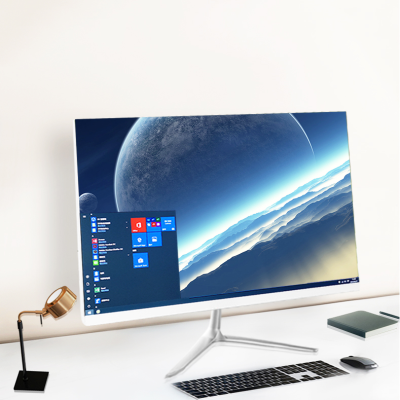
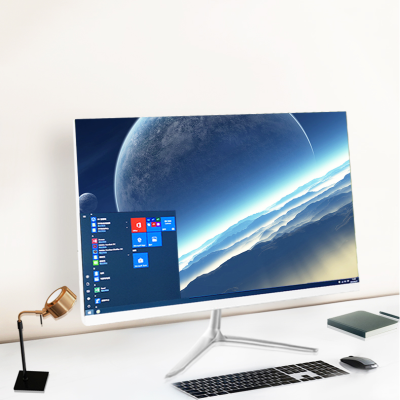
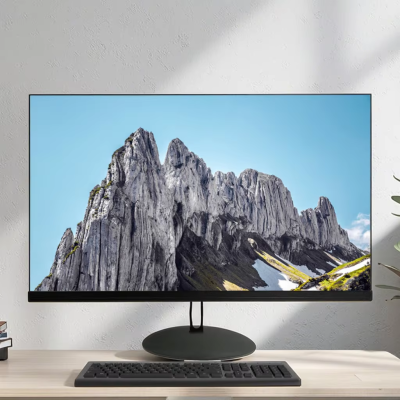
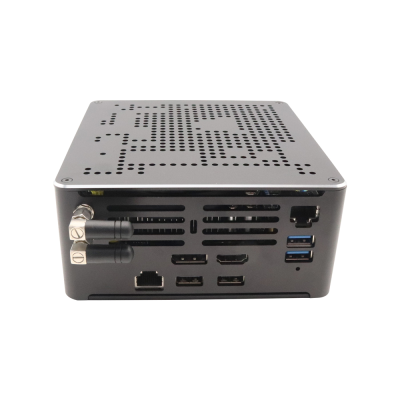
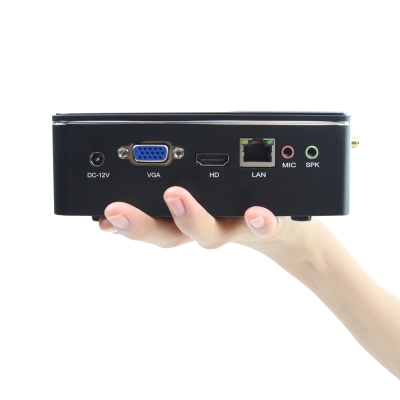
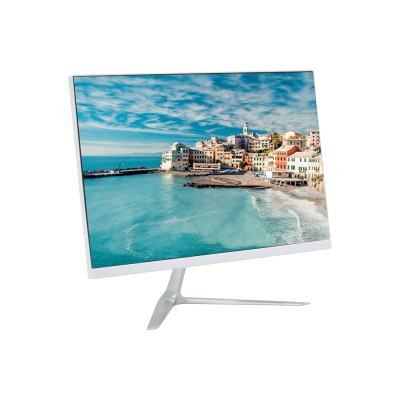
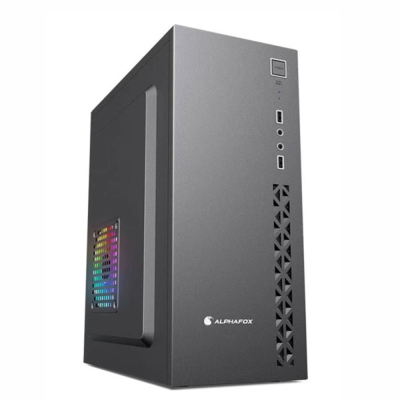
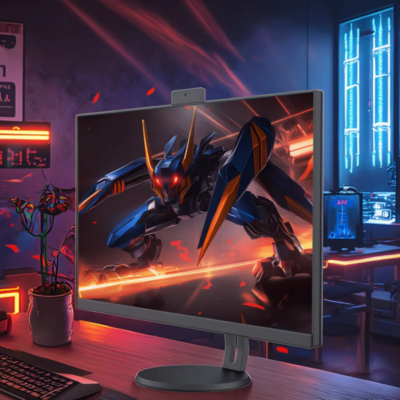
Display Size and Form Factor Insights Experienced buyers typically match display size with form factor based on workspace constraints; for example, 24 to 27 inch screens often pair well with tower or desktop units, while 19 to 22 inch displays suit mini desktop or barebone systems for compact setups.
Cost-Impact of Storage and RAM Choices Storage type and RAM capacity can account for up to 40% of the total computer cost; selecting a 1 TB HDD plus 256 GB SSD combination offers a balanced trade-off between capacity and speed, but pure SSD options, though pricier, deliver better ROI through longevity and performance.