Source DTG Printer for Textile, Cotton, and Leather
Compare 30 DTG Printer models with varying print heads, software, and ink systems for textile, cotton shirt, and leather applications. View specifications including resolution, speed, and voltage to find the right equipment for garment shops and printing businesses.
Key considerations
Products List
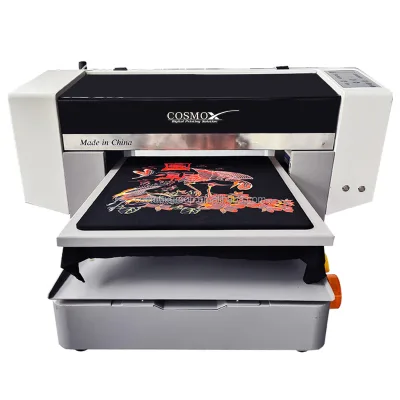
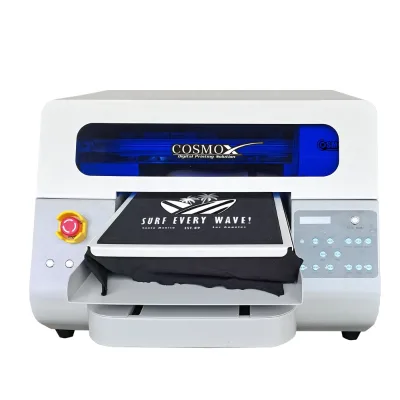
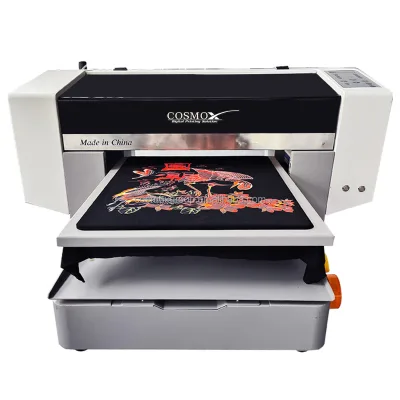
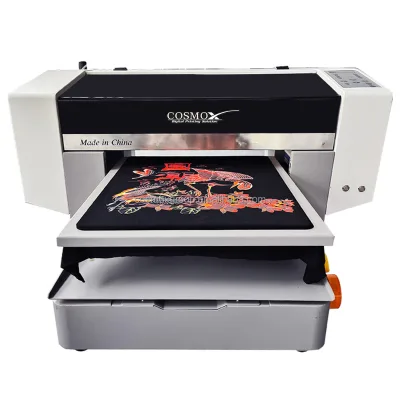
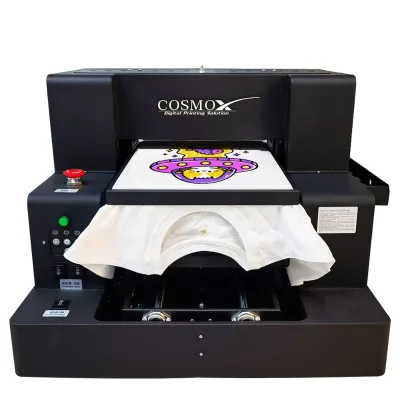
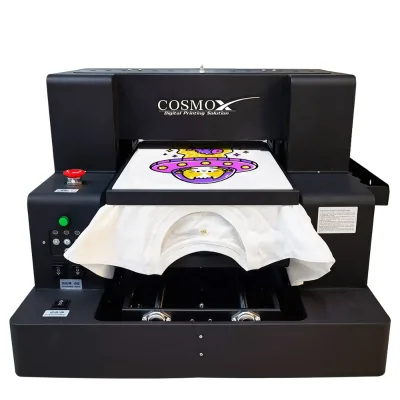


$8800.00 - $9000.00
MOQ: 1 Pieces


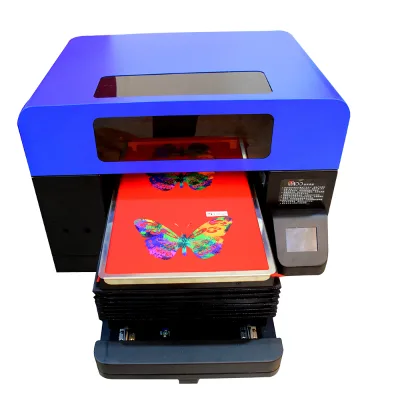
Best Quality Shirt Printing Machine Digital DTG A5 Custom T-Sihrt DTG Printer
$2100.00 - $2485.00
MOQ: 1 Pieces

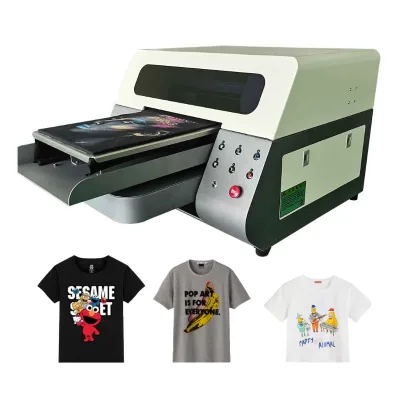
Dtf Printer 60cm 30cm Digital DTG for T-Shirt Print with/XP600 I3200
$2100.00 - $2480.00
MOQ: 1 Pieces

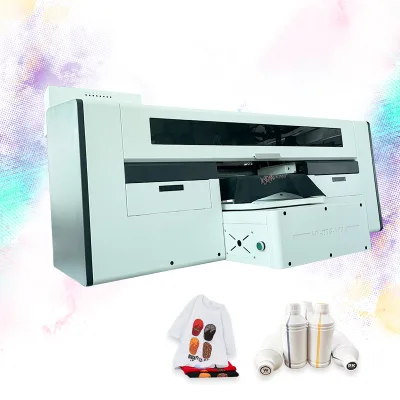
Best Price Custom T-Shirt Printing DTG Digital T Shirt A3 Printer with Shaking
$2100.00 - $2485.00
MOQ: 1 Pieces


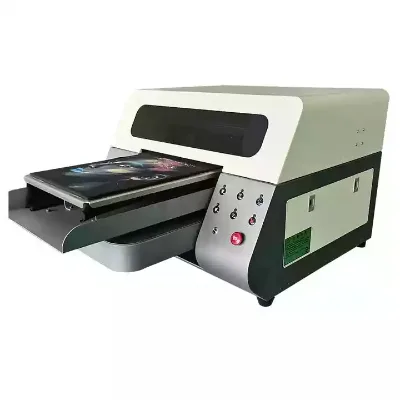
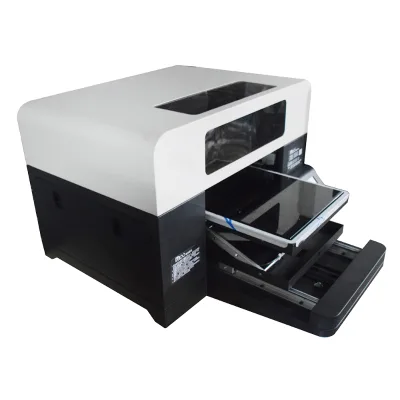


Comprehensive Sourcing Guide
Strategic Sourcing Guide for Direct-to-Garment (DTG) Printers
Understanding Core Technical Specifications and Variants
When evaluating Direct-to-Garment (DTG) printers for industrial or commercial procurement, buyers must first distinguish between the specific model variants available in the current market. The supplied data indicates a clear segmentation between A2 and A3+ formats, each serving distinct production scales. The A2 model, identified by the product name "DTG Printer A2" and model number "Meg-Jet," features a maximum printing size of 4050CM. In contrast, the A3+ variant is defined by a printing size of 3042CM, with specific dimensions listed as 300 mm by 400 mm. This distinction is critical for facility planning, as the physical footprint and production capacity differ significantly between the two.
The printing resolution is another primary technical differentiator. The A2 configuration offers a resolution of 1440 dpi, which is suitable for standard textile applications. However, the A3+ model boasts a higher maximum resolution of 5760*1440 dpi, suggesting a capability for finer detail work, potentially beneficial for high-end fashion or detailed graphic applications. The printing speed for both variants is consistently noted at 150 seconds for a full A3 size, indicating a standardized throughput capability across the product line for standard format jobs. Buyers should verify if this speed translates linearly to larger A2 formats or if the larger area requires extended processing times not explicitly detailed in the summary data.
The ink system architecture is a vital component of the DTG workflow. The observed specifications highlight the use of Pigment DTG ink and DTG Garment inks, which are essential for durability and color vibrancy on various fabric types. A key feature noted in the supply data is the CISS (Continuous Ink Supply System) with a white ink stirring mechanism. This system is designed to maintain ink consistency and prevent pigment settling, a common issue in DTG printing. The software ecosystem supports multiple RIP (Raster Image Processor) options, including RIIN, Maintop, Cadlink, and acro rip. This flexibility allows buyers to integrate the printer with existing design workflows or choose a software suite that best matches their operational expertise.
Operational Capabilities and Application Scope
The versatility of these DTG printers extends across a broad spectrum of industries and material types. The core application is explicitly defined as Textile and Cotton shirt printing, including cotton blends. However, the usage specifications list a wider array of compatible media, including Paper, Labels, Cards, Tubes, Bills, Leather, and Wallpaper. This multi-material capability suggests that the hardware is engineered to handle diverse substrates, provided the ink formulation and printhead configuration are appropriate. The "Plate Type" is identified as a DTG Printer, confirming its primary function in direct garment printing.
The operational environment for these machines is equally diverse. The applicable industries list includes hotels, garment shops, building material shops, manufacturing plants, machinery repair shops, food and beverage factories, farms, restaurants, home use, retail, food shops, printing shops, construction works, energy and mining sectors, and food and beverage shops. While this list is extensive, buyers should exercise caution in assuming universal suitability. For instance, while a machine may be listed for "construction works," the practical application likely involves printing on specific construction-related textiles or signage rather than heavy industrial construction materials. The "Automatic" grade of the machine indicates a high level of automation, reducing the need for manual intervention during the printing cycle.
Power consumption is another operational factor to consider. The A2 model is listed with a gross power of 500w, while the A3+ model is rated at 450w. These figures are relatively low for industrial machinery, suggesting energy efficiency as a selling point. However, the total energy load will also depend on the auxiliary systems, such as the white ink stirring mechanism and the heating elements required for curing the ink post-printing, which are not explicitly detailed in the provided power specifications. The voltage range is specified as 110-220v, offering flexibility for international deployment without the immediate need for voltage transformers in many regions.
Comparative Analysis of Model Specifications
To facilitate a clear comparison between the available DTG Printer models, the following table summarizes the key technical attributes derived from the supplied product data. This comparison aids in selecting the appropriate machine based on specific production requirements.
| Feature | DTG Printer A2 (Meg-Jet) | DTG Printer A3+ |
|---|---|---|
| Printing Size | 40*50CM (400 mm x 500 mm) | 30*42CM (300 mm x 400 mm) |
| Resolution | 1440 dpi | Max 5760*1440 dpi |
| Print Head Options | I1600 / I3200 / XP600 | XP600 / F1080 / I3200 |
| Printing Speed | 150 seconds for A3 size | 150 seconds for full A3 size |
| Ink Type | Pigment DTG ink | DTG Ink |
| Ink System | White ink stirring, CISS | White ink stirring, CISS |
| Software | RIIN / Maintop | Cadlink / acro rip / RIIN |
| Weight | 95 KG | 65 KG |
| Gross Weight | 135.000 kg | 10.000 kg |
| Power Consumption | 500w | 450w |
| Package Size | 118X105X78 cm | 10X10X10 cm (Note: Verify) |
| Dimensions (LWH) | Not explicitly listed | 937252CM |
Note: The package size for the A3+ model listed as 10X10X10 cm appears inconsistent with the machine dimensions and weight. Buyers must verify this specification with the supplier, as a 10cm cube cannot physically contain a 65kg machine with dimensions of 93x72x52cm.
Supplier Evaluation and Quality Assurance Protocols
When evaluating potential suppliers for DTG printers, the "place of origin" is a critical data point. The supplied information identifies Shanghai, China, as the location of origin for these machines. While this provides a geographical baseline, it does not constitute a guarantee of quality or compliance. Buyers should conduct rigorous due diligence to verify the manufacturing capabilities of the specific facility in Shanghai. The presence of a "Video outgoing-inspection" service is a positive indicator, suggesting that the supplier is willing to provide visual evidence of the machine's condition prior to shipment. This feature allows buyers to inspect the assembly, finish, and basic functionality remotely.
The warranty period is standardized at 1 Year across the observed product line. This is a baseline expectation for industrial equipment, but buyers should clarify the scope of this warranty. Does it cover the printhead, the pump, the PLC, or the engine? The core components listed include the motor, pump, PLC, gear, and engine. Understanding which of these critical components are covered under the warranty is essential for risk management. Additionally, the "Marketing Type" is listed as "New Product 2024" for the A2 model and "New Product 2023" for the A3+ model. This suggests a continuous product refresh cycle, which is favorable for buyers seeking the latest technology. However, buyers should verify if the "New Product" status implies a significant technological leap or merely a cosmetic update.
Quality control should extend beyond the supplier's video inspection. Buyers should request detailed test results for print quality, ink adhesion, and color consistency on the specific fabrics they intend to use. The "condition" of the machines is listed as "New," but this should be confirmed with a physical inspection report or a third-party quality audit. The "High Productivity" key selling point should be validated through performance data rather than marketing claims. In a B2B context, productivity is often measured by cost per print and uptime, not just raw speed.
Cost Drivers and Procurement Considerations
The pricing landscape for DTG printers shows a wide observed range from 0.65 to 9000 USD. This vast disparity likely reflects differences in model specifications, included accessories, software licensing, and shipping terms. The A2 model, with its larger print area and higher gross weight (135.000 kg), likely occupies the higher end of this spectrum, while the A3+ model may be positioned differently. However, the lower bound of 0.65 USD is highly anomalous for a complete industrial machine and may represent a component price, a deposit, or a data entry error. Buyers must treat this figure with extreme skepticism and demand a detailed quotation that breaks down the cost of the machine, the ink system, the software, and logistics.
The Minimum Order Quantity (MOQ) is observed to range from 1 to 3 units. This flexibility is advantageous for small businesses or pilot projects that do not require immediate bulk deployment. The "Selling Units" are listed as "Single item," reinforcing the ability to purchase individual machines. However, buyers should be aware that purchasing a single unit may result in higher per-unit shipping costs compared to a bulk order. The single package size for the A2 model is 118X105X78 cm, which will significantly impact freight costs and container loading efficiency. The A3+ model's package dimensions are listed as 10X10X10 cm, which, as noted earlier, requires verification.
Lead times are not explicitly provided in the supplied data, but the "New Product" status suggests that inventory levels may vary. Buyers should inquire about the production lead time for custom configurations, particularly regarding the choice of print heads (I1600, I3200, XP600, F1080). Different print heads may have different availability and compatibility with the RIP software. The "High Productivity" claim should be weighed against the maintenance requirements. The "Print head maintain" specification notes that the head is cleaned during and after printing and utilizes a "Keep wet system." This system is crucial for preventing nozzle clogging but adds complexity to the maintenance routine. Buyers should factor in the cost and time required for regular maintenance when calculating the total cost of ownership.
Long-Term Procurement and Maintenance Strategy
Sourcing a DTG Printer is not a one-time transaction but the beginning of a long-term operational relationship. The "Core Components" list, including the motor, pump, PLC, gear, and engine, indicates that the machine relies on several mechanical and electronic subsystems. The longevity of the printer depends heavily on the availability of spare parts for these components. Buyers should verify the supplier's policy on spare parts availability and pricing. A 1-year warranty is standard, but what happens after the warranty expires? Is there a service contract available?
The "Video outgoing-inspection" service is a valuable tool for initial quality assurance, but it does not replace the need for on-site commissioning. Given the complexity of the ink system, particularly the white ink stirring mechanism, professional installation and training are likely necessary to ensure optimal performance. The software options, such as RIIN, Maintop, Cadlink, and acro rip, may require specific training for operators. Buyers should assess whether the supplier provides comprehensive training materials or on-site training sessions.
Finally, buyers must consider the environmental and safety implications of the ink system. The use of Pigment DTG ink requires proper ventilation and waste disposal protocols. While the machine is listed for "Home Use," the industrial applications suggest that commercial settings will have stricter regulatory requirements. Buyers should ensure that the procurement plan includes compliance with local environmental regulations regarding ink waste and chemical handling. The "Automatic" grade of the machine simplifies operation but does not eliminate the need for human oversight in monitoring ink levels, cleaning cycles, and print quality. By addressing these long-term considerations, buyers can ensure a sustainable and efficient DTG printing operation.
FAQs
What are the available printing sizes for DTG printers?
The available printing sizes are 40*50CM for the A2 model and 30*42CM for the A3+ model. These dimensions correspond to 400 mm by 500 mm and 300 mm by 400 mm respectively, allowing buyers to select based on their specific production area requirements.
Which print head options are compatible with these machines?
Compatible print head options include I1600, I3200, XP600, and F1080. The A2 model supports I1600, I3200, and XP600, while the A3+ model supports XP600, F1080, and I3200, giving buyers flexibility in choosing resolution and speed capabilities.
Can the DTG Printer handle multiple material types?
Yes, the printer is designed for Textile and Cotton shirt printing but also supports Paper, Labels, Cards, Tubes, Bills, Leather, and Wallpaper. This versatility allows the machine to serve diverse industries including garment shops, printing shops, and home use applications.
How is the ink system managed for consistent quality?
The system uses Pigment DTG ink with a Continuous Ink Supply System featuring a white ink stirring mechanism. This setup maintains ink consistency and prevents pigment settling, ensuring reliable color vibrancy and durability on various fabric types during operation.
What is the warranty period for the DTG Printer?
The standard warranty period is 1 Year for the observed product line. This coverage typically applies to core components like the motor, pump, PLC, gear, and engine, though buyers should verify specific scope details with the supplier before purchase.
Which software options are supported for RIP processing?
Supported software options include RIIN, Maintop, Cadlink, and acro rip. The A2 model supports RIIN and Maintop, while the A3+ model supports Cadlink, acro rip, and RIIN, allowing integration with existing design workflows or preferred software suites.