Source Photocopiers for Office Printing, Scanning, and Copying
Explore 30 available Photocopier models from Japan and China. Compare key specifications such as print speed, scanning resolution, and memory capacity to find the right digital compound printer for your business needs; compare the available evidence and request quotations based on your requirements.
Key considerations
Products List
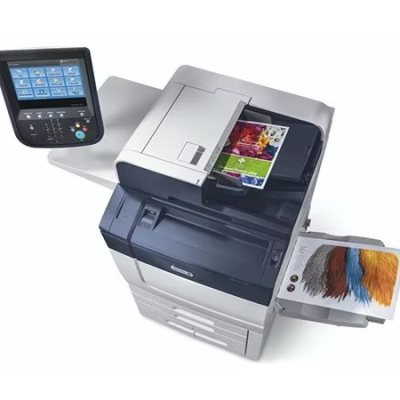
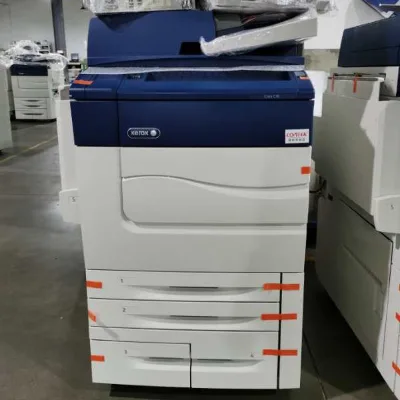
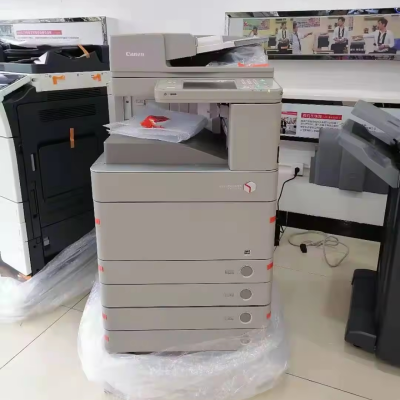
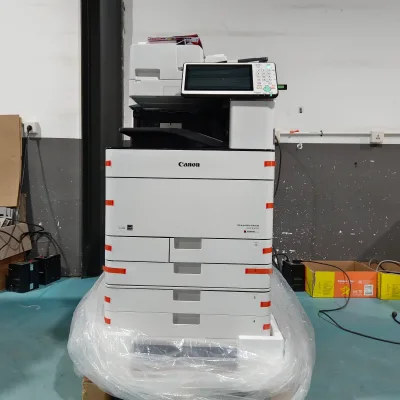
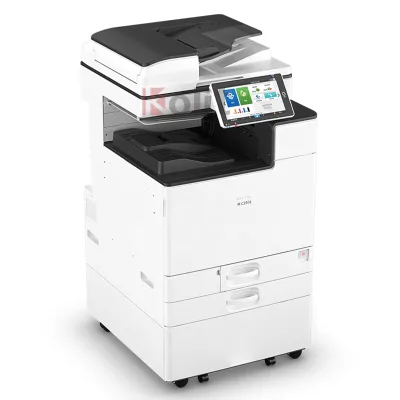
New Lnnovation Photo Copier Brand New Photocopy Photocopier Commercial Color Copier
$2200.20 - $2507.20
MOQ: 1 sets
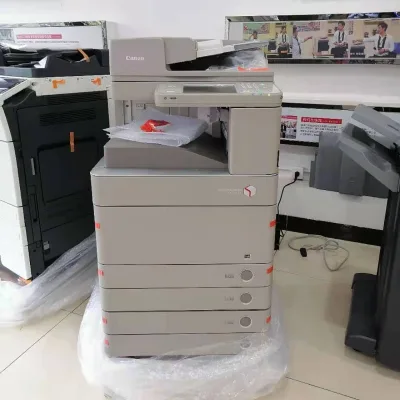
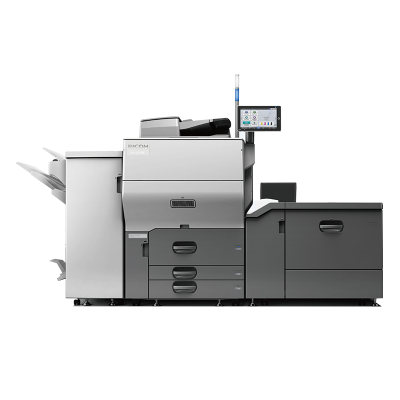
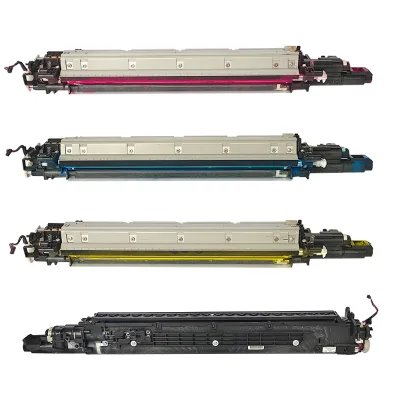
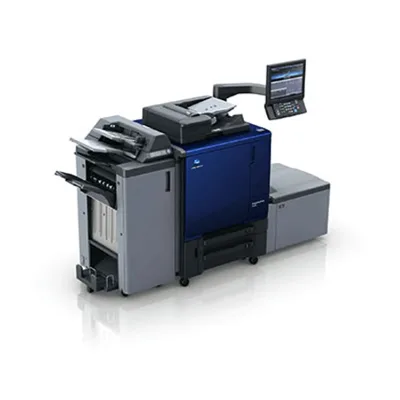




Comprehensive Sourcing Guide
Photocopier Sourcing Guide
Sourcing photocopiers requires careful evaluation of both new and refurbished units to ensure alignment with organizational workflow demands. The market presents a diverse array of options, ranging from high-speed digital compound printers to specialized monochrome devices. Buyers must distinguish between original equipment manufacturer models and re-manufactured units, as each category offers distinct advantages regarding longevity, performance consistency, and total cost of ownership. Understanding these fundamental differences is the first step in building a robust procurement strategy that minimizes operational downtime and maximizes return on investment.
Procurement teams should also consider the geographic origin of the equipment, as supply chains vary significantly between Japanese and Chinese manufacturing hubs. Japanese-origin models often emphasize precision engineering and durability, while Chinese-sourced units may offer competitive pricing and flexible customization options. Evaluating the place of origin helps buyers anticipate potential logistical challenges, spare parts availability, and compatibility with existing IT infrastructure. This geographical distinction also influences warranty terms and the ease of accessing technical support, which are critical factors for maintaining continuous office operations.
Product Scope and Observed Listing Signals
The current market landscape for photocopiers includes a wide spectrum of product types, from general-purpose office machines to high-volume industrial printers. Listings frequently highlight key attributes such as print speed, scanning resolution, and first copy time, which serve as primary indicators of performance capability. For instance, some units advertise speeds up to 70 pages per minute, while others focus on color output capabilities with resolutions reaching 2400 DPI. These specifications help buyers quickly filter options based on their volume requirements and quality expectations, ensuring that the selected device can handle peak workload periods without bottlenecks.
Condition is another critical signal, with many suppliers offering used or re-manufactured copiers that have been restored to functional standards. These units often come with specific model numbers, such as the iR-ADV C3530 or C70 series, indicating their lineage and potential compatibility with existing toner or maintenance contracts. Buyers should pay close attention to the stated condition, whether labeled as "used," "re-manufactured," or "new," as this directly impacts the expected lifespan and reliability of the machine. Additionally, packaging details and weight specifications provide insights into the physical handling requirements and shipping logistics involved in the acquisition process.
Technical Specifications to Verify
When evaluating technical specifications, buyers must verify critical parameters such as print speed, scanning resolution, and warm-up time to ensure they meet operational needs. High-speed models may offer print rates of 60 to 70 pages per minute, while scanning resolutions can vary from 600 DPI to 2400 DPI, affecting the quality of digital archiving and document reproduction. Warm-up times are also significant, with some units achieving readiness in as little as 15 seconds, while others may take up to 38 seconds. These metrics influence user experience and productivity, particularly in high-traffic office environments where immediate access to printing functions is essential.
Memory capacity and paper handling capabilities are equally important technical considerations that impact the machine's versatility and efficiency. Units with larger memory capacities, such as 160GB or 2GB, can handle complex jobs and large file transfers more effectively, reducing the risk of errors or delays. Additionally, the maximum paper size, often DIN A3 or A3, determines the range of document formats the copier can accommodate, which is crucial for architectural, engineering, or legal departments. Buyers should also check the zoom range and first copy time, as these features enhance usability and responsiveness during daily operations.
Compliance and Safety Documentation
Compliance with international safety and environmental standards is a non-negotiable aspect of Photocopier procurement, ensuring that the equipment operates safely within office environments. Buyers should request documentation verifying that the machines meet relevant electrical safety regulations and electromagnetic compatibility standards, which protect both users and sensitive IT equipment from potential hazards. Although specific certification names are not always listed in product descriptions, reputable suppliers should be able to provide evidence of compliance with recognized industry norms, such as those set by UL, CE, or other regional bodies.
Environmental regulations also play a crucial role, particularly regarding energy consumption and the disposal of toner cartridges and electronic components. Modern photocopiers are often designed to minimize power usage during idle periods, contributing to broader corporate sustainability goals. Buyers should inquire about the energy efficiency ratings and the presence of eco-friendly features, such as automatic shutdown modes or recyclable materials in construction. Ensuring that the supplier adheres to proper waste management practices for end-of-life equipment is also essential for maintaining regulatory compliance and corporate social responsibility standards.
Cost Drivers and Commercial Terms
The cost of photocopiers is influenced by several factors, including the condition of the unit, its technical specifications, and the supplier's supply ability. New and re-manufactured units typically command higher prices due to their extended warranties and guaranteed performance, while used copiers offer a more budget-friendly alternative with potentially shorter lifespans. Buyers should also consider the total cost of ownership, which includes expenses for toner, maintenance contracts, and potential repairs. Understanding these cost drivers helps in making informed decisions that balance initial investment with long-term operational expenses.
Commercial terms such as minimum order quantity (MOQ), payment terms, and shipping methods significantly impact the procurement process. Listings often indicate MOQs ranging from one to twenty units, allowing for flexibility in purchasing small batches or larger fleets. Transportation methods, such as sea freight, may affect lead times and shipping costs, particularly for international orders. Buyers should negotiate clear terms regarding delivery schedules, return policies, and after-sales support to mitigate risks associated with logistics and ensure a smooth transition from procurement to deployment.
Supplier Qualification and Quality Control
Supplier qualification is a critical step in ensuring the reliability and quality of the photocopiers being procured. Buyers should assess the supplier's track record, including their experience in the industry, customer reviews, and ability to provide consistent supply. Suppliers with a stated supply ability, such as 50 or 100 sets per month, demonstrate a capacity to handle larger orders, which is beneficial for organizations looking to equip multiple offices or departments. Verifying the supplier's reputation and operational stability helps mitigate the risk of receiving substandard equipment or facing delays in delivery.
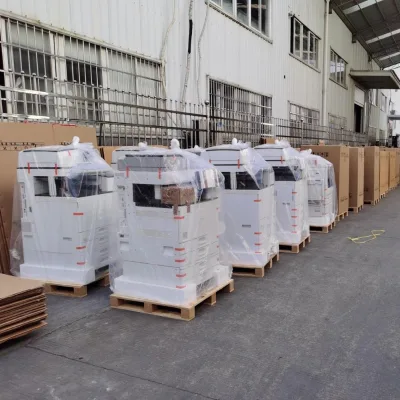
Quality control measures implemented by the supplier are equally important, particularly for used or re-manufactured units. Buyers should inquire about the refurbishment process, including the testing procedures performed to ensure that each machine meets performance standards. Documentation of quality checks, such as print quality tests and mechanical inspections, provides assurance that the equipment is in good working condition. Additionally, suppliers that offer neutral packaging with protective materials like plastic foam and driers help ensure that the machines arrive without damage, preserving their functionality and appearance.
Long-Term Procurement Checks
Long-term procurement checks involve establishing a framework for ongoing evaluation and maintenance of the Photocopier fleet. Buyers should implement regular performance audits to monitor print quality, speed, and reliability, ensuring that the machines continue to meet operational requirements over time. Tracking key metrics such as first copy time and warm-up duration can help identify potential issues early, allowing for timely maintenance or replacement. This proactive approach minimizes downtime and extends the lifespan of the equipment, providing better value for the initial investment.
Building strong relationships with suppliers for ongoing support and spare parts availability is also essential for long-term success. Buyers should negotiate service level agreements that include prompt technical support, regular maintenance visits, and access to genuine replacement parts. Understanding the supplier's policy on warranty extensions and repair services ensures that any future issues can be resolved efficiently. By focusing on these long-term checks, organizations can maintain a reliable and efficient printing infrastructure that supports their evolving business needs.
FAQs
What is the maximum print speed for this Photocopier?
The maximum print speed reaches 70 pages per minute for specific models. Other units offer speeds of 30 pages per minute or 65 pages for black and 60 for color. These variations depend on the specific model number and configuration selected for your business needs.
Which scanning resolutions are available for this Photocopier?
Available scanning resolutions include 2400 by 2400 DPI, 1200 by 1200 DPI, and 600 by 600 DPI. Some listings specify a maximum resolution of 600 by 600 DPI. The exact capability depends on the specific unit model and its current hardware configuration.
How long does the warm-up time take for this machine?
Warm-up times vary between 15 seconds and 38 seconds depending on the specific model. Some units require 30 seconds or less to reach operational status. This duration is a critical factor for high-volume environments requiring immediate print availability.
What is the first copy time for this Photocopier?
The first copy time is less than 4.9 seconds for high-performance models. Other units may take approximately 6 seconds to produce the initial output. This metric indicates the machine's readiness speed immediately after the warm-up cycle completes.
Can I find used or re-manufactured photocopiers in this listing?
Yes, the inventory includes used photocopiers and re-manufactured units like the C70 model. These machines are described as having used conditions or being re-manufactured to ensure functionality. They often come with specific memory capacities and dimensions suitable for office environments.
What are the physical dimensions of the Photocopier?
Dimensions vary by model, with some units measuring 565 by 700 by 761 millimeters. Larger models can reach 1004 by 804 by 1392 millimeters. Packaging dimensions may differ, often reaching 720 by 800 by 1330 millimeters for safe transport.