Source Built-in Speaker Business LCD Screen for Education, Training, and Retail
Compare 30 built-in speaker business LCD screen options featuring Android 11, 1080p resolution, and capacitive touch. These units support education, training, and retail applications with customizable sizes and connectivity; compare the available evidence and request quotations based on your requirements.
Updated
Key considerations
Products List


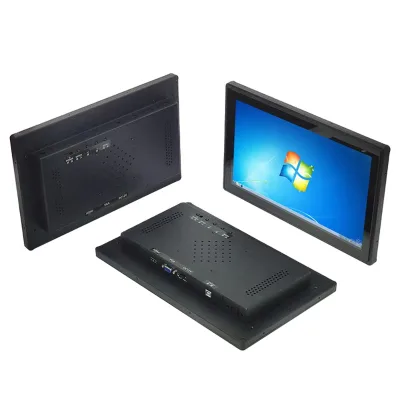
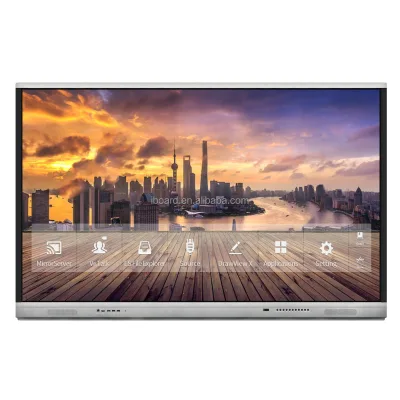
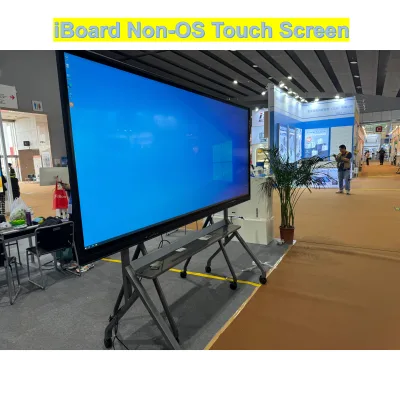
Lightweight Yet Durable Aio with Optional Touch Screen and Built-in Speaker
$120.00 - $126.00
MOQ: 1 Pieces


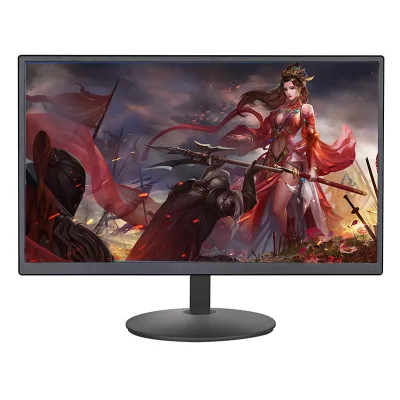


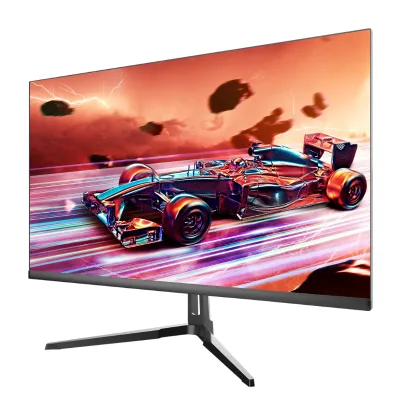

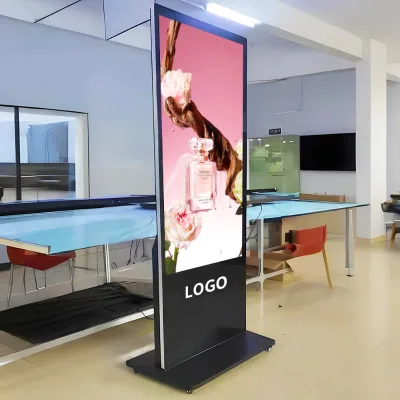

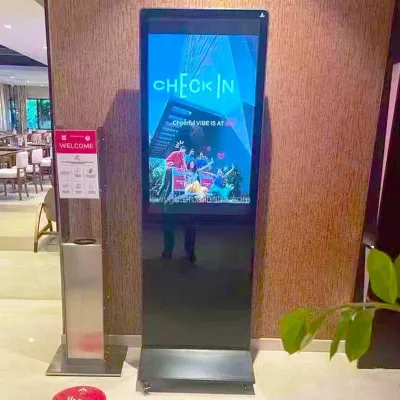



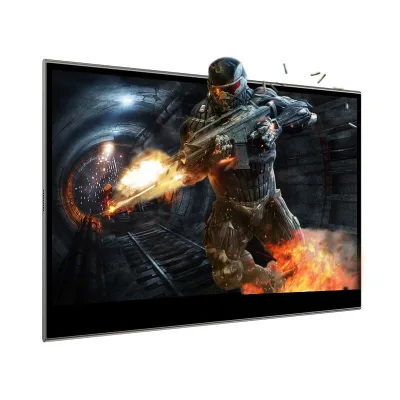


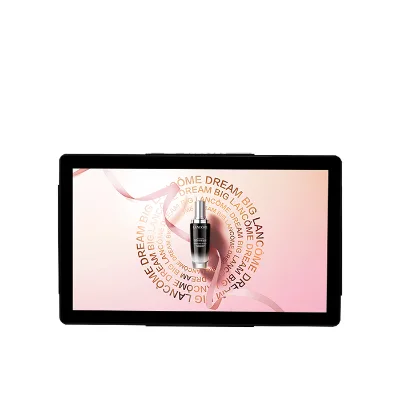
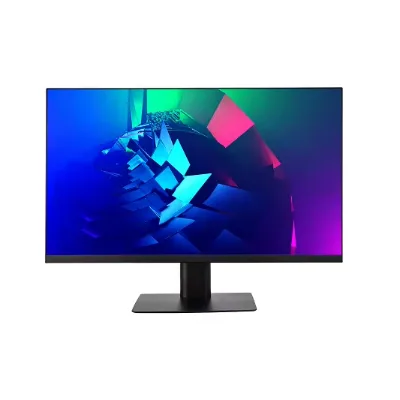

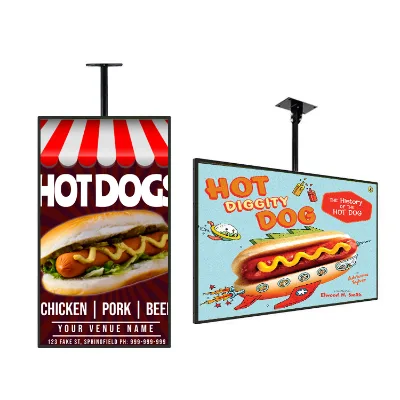


LCD Circular Display Video Player Featuring Touch Screen and Speaker
$1000.00 - $1200.00
MOQ: 1 Pieces


Comprehensive Sourcing Guide
Built-in Speaker Business LCD Screen Sourcing Guide
Procuring integrated display solutions with audio capabilities requires balancing visual clarity with acoustic performance for professional environments. Buyers must evaluate how built-in speakers complement the primary function of the screen, ensuring that audio output meets the specific demands of conference rooms, digital signage, or training centers. The integration of speakers eliminates the need for external audio hardware, reducing cable clutter and simplifying installation processes in fixed installations. This consolidation of features is particularly valuable in space-constrained offices or educational facilities where aesthetic neatness and operational simplicity are prioritized.
The decision to source units with built-in audio also impacts the total cost of ownership and maintenance logistics. Integrated systems often present a unified warranty and support structure, which can streamline after-sales service compared to managing separate display and audio vendors. However, buyers should verify the acoustic specifications to ensure the speakers provide sufficient volume and clarity for the intended room size. Understanding the relationship between screen size, speaker power, and ambient noise levels is critical for selecting the right configuration that prevents audio fatigue during long presentations or continuous digital signage loops.
Product Scope and Observed Listing Signals
Market listings for these devices reveal a diverse range of specifications tailored to different business needs. Observed data indicates a price range from approximately $16.56 to $2,800, reflecting variations in screen size, resolution, and build quality. The minimum order quantity typically spans from one to twenty units, offering flexibility for both small pilot deployments and larger enterprise rollouts. Products are often described with attributes such as Wi-Fi, USB 3.0, HDMI, Ethernet, and Bluetooth connectivity, highlighting their role as interactive hubs rather than passive displays. This connectivity suite supports seamless integration into existing IT infrastructure, allowing for easy content management and peripheral attachment.
Visual and tactile features are also prominent in current market signals, with many units offering capacitive or resistive touch screens. Some listings specify resolutions up to 3840x2160, while others cater to standard 1920x1080 or lower resolutions like 840x480 for specialized applications. The presence of built-in speakers is frequently paired with optional cameras, creating all-in-one communication terminals suitable for remote collaboration. Buyers should note that attributes like aspect ratio and panel type, such as IPS, vary across suppliers, necessitating careful review of individual product datasheets to ensure compatibility with specific software ecosystems and mounting requirements.
Technical Specifications to Verify
When evaluating technical parameters, resolution and panel technology are primary determinants of visual quality. Buyers should confirm whether the screen utilizes IPS panels for wide viewing angles, typically around 178 degrees, which is essential for collaborative settings where multiple users view the display from different positions. Brightness levels, often cited around 400 cd/m², ensure readability in well-lit office environments, while contrast ratios near 5000:1 enhance image depth. It is crucial to verify the response time, which can range from 5ms to 8ms, to minimize motion blur during dynamic content playback or interactive touch operations.
Audio and processing capabilities are equally critical for business functionality. The presence of built-in speakers must be assessed for adequate volume and clarity, though specific wattage ratings are not always disclosed in general listings. Buyers should verify the operating system, with Android 11.0 being a common platform for interactive models, and check the number of CPU cores, such as quad-core processors, to ensure smooth multitasking. Connectivity options like Wi-Fi, Bluetooth, and multiple HDMI or USB ports should be confirmed to support peripheral devices. Additionally, checking the pixel pitch and frame rate ensures that the display meets the sharpness and refresh rate requirements for high-definition content delivery.
Compliance and Safety Documentation
Ensuring that electronic displays meet regional safety and electromagnetic compatibility standards is a non-negotiable aspect of B2B procurement. Buyers must request certificates such as CE, FCC, or RoHS compliance from suppliers to verify that the products adhere to strict regulations regarding electrical safety and hazardous substances. These documents protect the purchasing organization from legal liabilities and ensure that the equipment can be legally installed and operated in the target market. Without proper certification, businesses risk facing customs delays, fines, or the rejection of shipments at the destination port.
Beyond regulatory compliance, documentation related to warranty and after-sales service provides essential protection for long-term asset management. Listings often indicate a one-year warranty, but buyers should clarify the scope of coverage, including whether it covers parts, labor, and shipping costs for repairs. It is also important to verify the availability of technical support channels, such as call centers or online assistance, to address potential issues promptly. Clear documentation of return policies and spare parts availability ensures that any defective units can be replaced or repaired with minimal disruption to business operations, safeguarding the initial investment.
Cost Drivers and Commercial Terms
Several factors influence the final cost of built-in speaker business LCD screens, with screen size and resolution being primary drivers. Larger displays with higher resolutions, such as 4K, command premium prices compared to standard HD models. The inclusion of advanced features like capacitive touch screens, integrated cameras, and robust connectivity options also increases the unit cost. Buyers should analyze the total cost of ownership, considering not just the purchase price but also shipping, import duties, and potential customization fees. Customization options, such as logo printing or specific packaging, may incur additional charges but can enhance brand visibility in corporate environments.
Commercial terms, including minimum order quantities and payment conditions, significantly impact procurement strategy. While some suppliers offer low MOQs for trial orders, bulk purchases may unlock volume discounts and more favorable shipping rates. Lead times can vary based on production schedules and customization requirements, so buyers should negotiate clear delivery timelines to align with project deadlines. It is advisable to request detailed quotations that break down costs for hardware, accessories, and services. Understanding these commercial dynamics allows procurement teams to budget accurately and negotiate better terms, ensuring cost-effective acquisition of high-quality display solutions.
Supplier Qualification and Quality Control
Selecting a reliable supplier is critical for ensuring product consistency and long-term support. Buyers should verify the supplier’s manufacturing capabilities, including their facility location and production capacity, to assess their ability to meet order volumes and deadlines. Many suppliers originate from regions like Guangdong, China, which is known for its electronics manufacturing ecosystem. Due diligence should include checking the supplier’s business license, export history, and customer reviews to gauge their reputation and reliability. Establishing a direct communication channel with the supplier can also help clarify technical details and resolve potential issues before placing an order.
Quality control measures implemented by the supplier directly impact the reliability of the delivered products. Buyers should inquire about the testing procedures used, such as burn-in tests for screens and audio checks for speakers, to ensure that units meet performance standards. Requesting pre-shipment inspection reports or third-party quality assurance certificates can provide additional assurance of product quality. It is also beneficial to discuss the supplier’s defect rate and their process for handling non-conforming goods. A transparent and robust quality control system minimizes the risk of receiving faulty units and ensures that the procurement investment yields reliable, high-performing equipment.
Long-Term Procurement Checks
Sustaining a successful procurement relationship requires ongoing monitoring of product performance and supplier responsiveness. Buyers should establish key performance indicators, such as delivery accuracy, product defect rates, and support response times, to evaluate supplier performance regularly. Feedback from end-users regarding screen quality, audio clarity, and ease of use should be collected and shared with the supplier to drive continuous improvement. Regular audits or site visits, if feasible, can help verify that the supplier maintains consistent quality standards and adheres to agreed-upon specifications.
Future-proofing the procurement strategy involves staying informed about technological advancements and market trends. As display technology evolves, buyers should assess whether current models offer upgrade paths or compatible accessories to extend the lifecycle of the investment. Maintaining a diversified supplier base can mitigate risks associated with supply chain disruptions or single-source dependencies. Additionally, reviewing contract terms periodically ensures that pricing, warranty, and service levels remain competitive and aligned with business needs. Proactive management of these long-term factors helps organizations maximize the value and utility of their built-in speaker business LCD screen investments.
FAQs
What connectivity options are available for built-in speaker business lcd screen units?
These units typically support Wi-Fi, USB 3, HDMI, Ethernet, and Bluetooth connectivity. This comprehensive interface suite ensures seamless integration with various business devices and peripherals. The built-in speakers provide audio output without external hardware, while the multiple ports allow for flexible data transfer and display connections in professional environments.
Can I customize the aspect ratio for a built-in speaker business lcd screen?
Yes, customization is available for the aspect ratio, allowing you to choose between standard and non-customized options. This flexibility ensures the display fits specific installation requirements or content formats. Buyers can select the most suitable configuration for their educational or training systems, ensuring optimal visual presentation and operational efficiency.
What resolution options exist for built-in speaker business lcd screen displays?
Available resolutions include 1920x1080, 3840x2160, and 840x480, catering to different clarity needs. Higher resolutions like 3840x2160 offer sharp visuals for detailed content, while 1920x1080 provides standard HD performance. The 840x480 option suits specific compact applications. These options ensure the display meets diverse business and educational visual standards effectively.
Which touch screen types are supported for built-in speaker business lcd screen models?
The displays support both capacitive and analog resistive touch screen types. Capacitive screens offer smooth, multi-touch interactions, while resistive options provide precise input with styluses or gloved hands. This variety allows businesses to select the most appropriate interaction method for their specific operational environment and user requirements.
How is the built-in speaker business lcd screen packaged for shipping?
Packaging options include foam carton boxes and wooden boxes, ensuring secure transport. These methods protect the display from damage during logistics. The choice depends on the specific model and shipping requirements. Secure packaging is essential for maintaining product integrity, especially for high-resolution displays with sensitive components like integrated graphics and touch screens.
What after-sales service is provided for built-in speaker business lcd screen products?
Services include call center support, online technical assistance, and repair facilities. This comprehensive support structure helps resolve technical issues quickly. Buyers benefit from accessible resources for troubleshooting and maintenance. The availability of dedicated support channels ensures minimal downtime for business operations, enhancing the overall reliability and usability of the display systems.