Source Wireless Silent Ergonomic Gaming Mouse for Office
Find 30 wireless silent ergonomic gaming mouse options with dual-mode connectivity, optical tracking, and rechargeable batteries. Compare DPI settings, button counts, and ergonomic designs for laptops and desktops to find the right fit for your needs; compare the available evidence and request quotations based on your requirements.
Key considerations
Products List
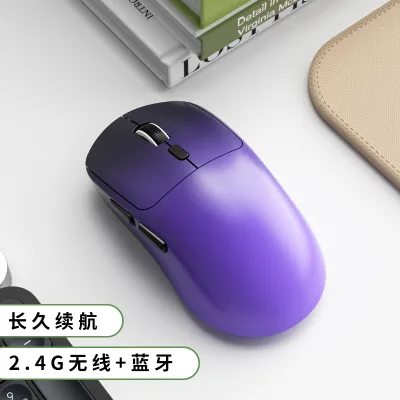
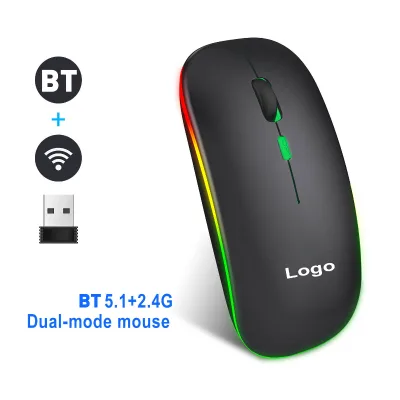
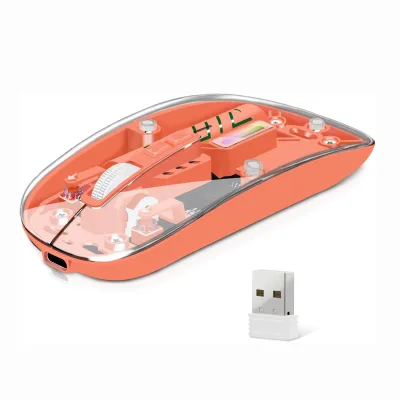
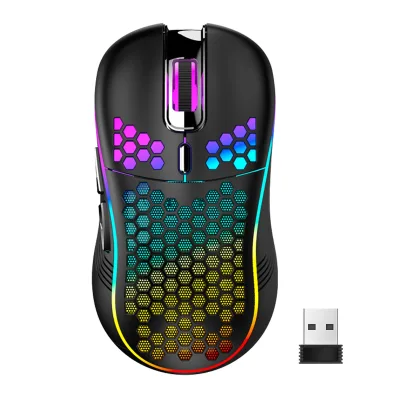
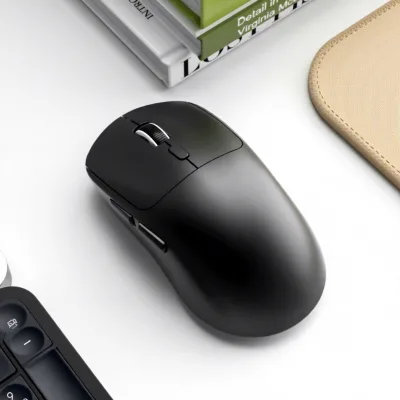
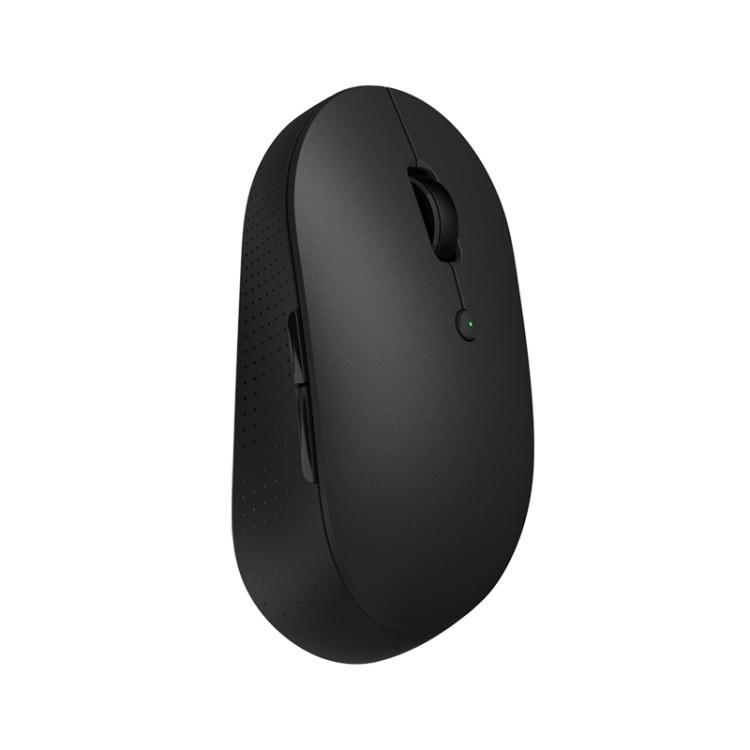
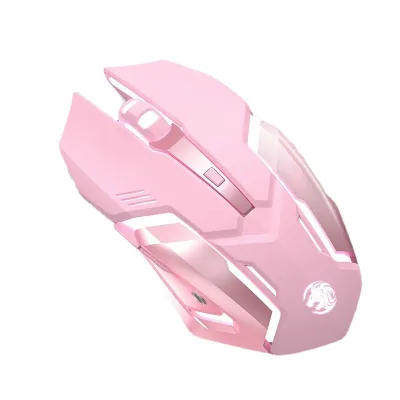
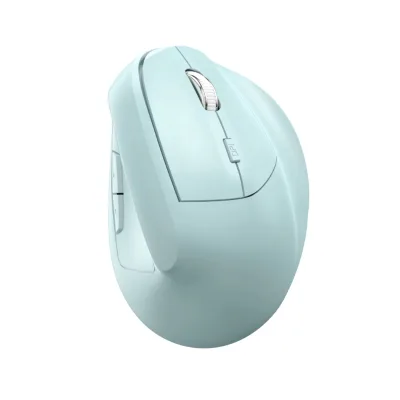


Comprehensive Sourcing Guide
Wireless Silent Ergonomic Gaming Mouse Sourcing Guide
Sourcing wireless silent ergonomic gaming mice requires balancing performance metrics with user comfort and connectivity reliability. Buyers must navigate a market where "gaming" implies high DPI and low latency, while "ergonomic" suggests vertical or contoured designs to reduce strain. The observed product data reveals a diverse range of specifications, from dual-mode wireless connections to optical tracking methods, indicating that not all listings meet the same performance threshold. Procurement teams need to distinguish between general office peripherals and true gaming-grade devices, as the latter often demands stricter tolerances for button actuation and sensor accuracy.
The term "silent" typically refers to soft-touch switches that reduce acoustic noise, a feature critical for shared workspaces or quiet gaming environments. However, the supplied facts highlight a mix of features, including RGB backlit options and standard non-backlit models, which may not always align with a strict "silent" requirement if the switches are not explicitly verified. Buyers should prioritize suppliers who clearly define switch lifespan and acoustic output, as generic listings often conflate aesthetic features with functional silence. Understanding these nuances ensures that the selected mouse meets both the technical demands of gaming and the ergonomic needs of prolonged use.
Product Scope and Observed Listing Signals
The current market landscape for wireless ergonomic mice shows significant variation in design and functionality. Observed listings include models with vertical orientations, such as the BM02B, and standard ergonomic shapes like the M348-DUAL. These designs cater to different hand orientations, with some products supporting both left and right hands, while others are strictly right-handed. The presence of dual-mode connectivity, combining 2.4G wireless and Bluetooth, is a key signal of modern versatility, allowing users to switch between devices seamlessly. Buyers should verify if the specific model supports the intended operating systems, including Windows, macOS, and mobile platforms, as compatibility varies across the observed range.
Color options and aesthetic features also play a role in procurement decisions, with listings offering black, white, orange, pink, and silver variants. Some models feature RGB backlit lighting, which may be desirable for gaming aesthetics but irrelevant for professional ergonomic needs. The observed weight ranges from 65g to 100g, influencing user fatigue during extended sessions. Procurement teams must assess whether the listed "gaming" style aligns with the actual ergonomic benefits, as some products may prioritize visual appeal over hand support. Clear identification of these signals helps in filtering out products that do not meet the core ergonomic and functional requirements.
Technical Specifications to Verify
Verifying technical specifications is crucial to ensure the mouse meets performance expectations. Key attributes to confirm include DPI settings, which range from ≤800 to 7200 in observed listings, and tracking methods, predominantly optical. Buyers should verify the actual DPI steps and whether they are adjustable, as high DPI is essential for gaming precision. Additionally, the interface type, whether USB receiver or Type-C cable, impacts connectivity flexibility. The working range of 10m is a standard expectation, but buyers should confirm if this holds true in environments with potential wireless interference.
Battery capacity and charging methods are also critical, with observed batteries at 300mAh and rechargeable power types. Buyers must verify the battery life under typical usage conditions and the charging time via USB or Type-C. The number of buttons, ranging from 6 to 7, should be assessed for programmability and ease of access. Furthermore, the key life of 5 million clicks is a common claim, but buyers should request test data to validate durability. Ensuring these specifications are accurate prevents mismatches between procurement expectations and actual product performance.
Compliance and Safety Documentation
Compliance with safety and regulatory standards is non-negotiable for electronic peripherals. Buyers must verify that the mice meet relevant electrical safety standards, such as CE, FCC, or RoHS, depending on the target market. These certifications ensure that the product does not pose risks of electric shock, fire, or environmental harm. The supplied facts do not explicitly list certifications, so procurement teams must request documentation from suppliers to confirm compliance. This is particularly important for products with rechargeable batteries, which must adhere to strict safety guidelines to prevent overheating or leakage.
Additionally, buyers should check for material safety certifications, especially since the mice are made of ABS plastic. Ensuring that the materials are free from harmful substances like lead or mercury is essential for both consumer safety and regulatory compliance. Documentation should also cover electromagnetic compatibility (EMC) to ensure the wireless functionality does not interfere with other devices. By prioritizing suppliers who provide comprehensive compliance documentation, buyers mitigate legal and reputational risks associated with non-compliant products.
Cost Drivers and Commercial Terms
Cost drivers for wireless ergonomic gaming mice include material quality, connectivity technology, and customization options. Dual-mode wireless connectivity and high-DPI sensors typically increase production costs, while basic 2.4G models may be more affordable. Customization, such as adding a logo or specific color schemes, can also impact pricing. Buyers should negotiate based on volume, as observed MOQs range from 1 to 1000 units, allowing for flexibility in order sizes. Understanding these cost drivers helps in budgeting and selecting suppliers that offer the best value for specific requirements.
Commercial terms, including warranty and payment conditions, are equally important. The observed 12-month warranty provides a baseline for after-sales support, but buyers should verify the terms and conditions for claims and replacements. Payment terms should be negotiated to align with cash flow needs, and lead times should be confirmed to ensure timely delivery. Buyers should also consider the total cost of ownership, including potential maintenance or replacement costs, to make informed procurement decisions. Clear commercial terms protect against unexpected expenses and ensure a smooth supply chain process.
Supplier Qualification and Quality Control
Supplier qualification is essential to ensure consistent product quality and reliability. Buyers should assess suppliers based on their manufacturing capabilities, quality control processes, and track record. Factories in Guangdong, China, are common sources for these products, but buyers must verify the supplier's ability to maintain consistent quality across batches. Requesting samples for testing is a critical step to evaluate ergonomics, connectivity, and durability. Buyers should also check for ISO certifications or other quality management standards that indicate a robust production process.
Quality control measures should include incoming material inspections, in-process checks, and final product testing. Buyers should inquire about the supplier's defect rate and how they handle non-conforming products. Establishing clear quality expectations and communication channels with suppliers helps in maintaining high standards. Regular audits or third-party inspections can provide additional assurance of quality. By prioritizing qualified suppliers with strong quality control systems, buyers reduce the risk of receiving defective products and ensure customer satisfaction.
Long-Term Procurement Checks
Long-term procurement success depends on continuous monitoring and evaluation of supplier performance. Buyers should establish key performance indicators (KPIs) such as on-time delivery, product quality, and responsiveness to issues. Regular reviews of these metrics help in identifying potential problems early and addressing them proactively. Building a strong relationship with suppliers fosters collaboration and can lead to better pricing and priority service. Buyers should also stay updated on market trends and technological advancements to ensure their procurement strategy remains competitive.
Additionally, buyers should plan for product lifecycle management, including end-of-life notifications and replacement options. Ensuring a steady supply of spare parts or compatible accessories can extend the usability of the mice. Regular feedback from end-users can provide valuable insights into product performance and areas for improvement. By implementing a structured long-term procurement strategy, buyers can maintain a reliable supply of high-quality wireless ergonomic gaming mice, supporting both operational efficiency and user satisfaction.
FAQs
What is the battery capacity of the wireless silent ergonomic gaming mouse?
The battery capacity is 300mAh for rechargeable power. This supports dual-mode connectivity via 2.4G wireless and Bluetooth. Users can expect reliable operation for extended gaming sessions without frequent recharging interruptions.
Which DPI settings are available for this wireless silent ergonomic gaming mouse?
Available DPI settings include 1200, 2400, 4800, and 7200. Some models also support up to 800 DPI. These adjustable levels allow precise cursor control for various gaming styles and desktop applications on Windows or Mac systems.
Can the wireless silent ergonomic gaming mouse be customized with a logo?
Yes, the product accepts customized logos for branding purposes. This customization is available for bulk orders. Buyers should contact suppliers directly to discuss specific design requirements and minimum order quantities for personalized branding.
How many buttons does the wireless silent ergonomic gaming mouse feature?
The mouse features either 6 or 7 buttons depending on the specific model. These buttons are designed for ergonomic use by both right and left-handed users. The key life is rated for 5 million clicks for durability.
What is the working range of the wireless silent ergonomic gaming mouse?
The working range is up to 10 meters for stable wireless connection. This ensures freedom of movement during gaming or office work. The device connects via a USB receiver or Type C cable for versatile setup options.
Which materials are used to construct the wireless silent ergonomic gaming mouse?
The mouse is constructed from ABS plastic for durability and lightweight handling. This material choice ensures a comfortable grip during long sessions. The product weighs approximately 65 grams or 100 grams depending on the specific model variant.
What is the warranty period for the wireless silent ergonomic gaming mouse?
The product comes with a 12-month warranty guarantee. This covers manufacturing defects and ensures product reliability for business buyers. Buyers should verify specific warranty terms with the supplier before placing large orders.