Source Dual Extruder Desktop 3D Printer for Prototyping
Source a Dual Extruder Desktop 3D Printer from 30 available listings. Compare specifications such as build volume, print speed, and connectivity options to find the right industrial-grade solution for your manufacturing needs; compare the available evidence and request quotations based on your requirements.
Updated
Key considerations
Products List
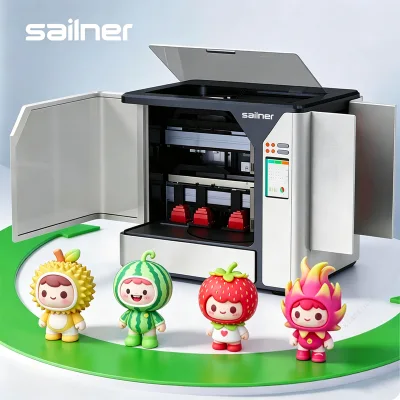
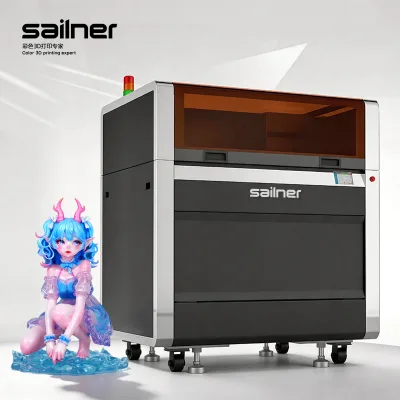
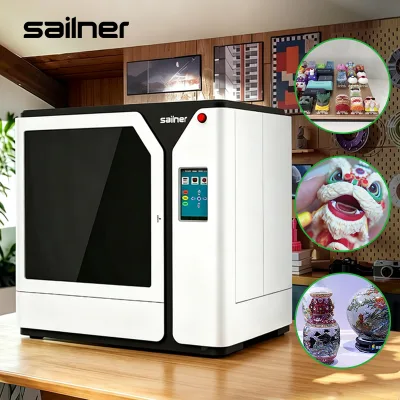
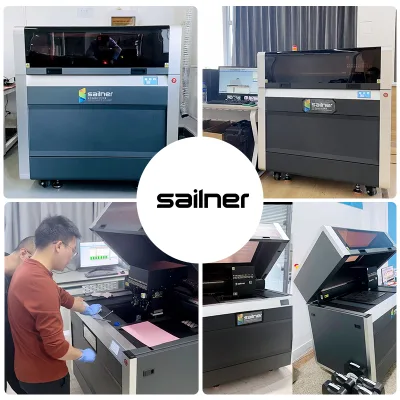
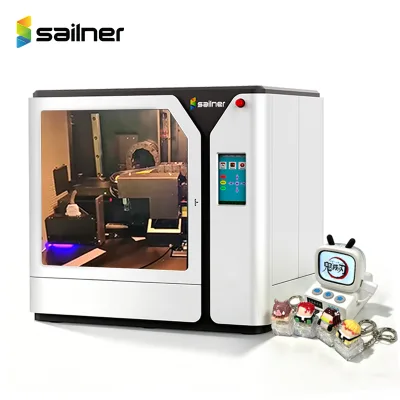
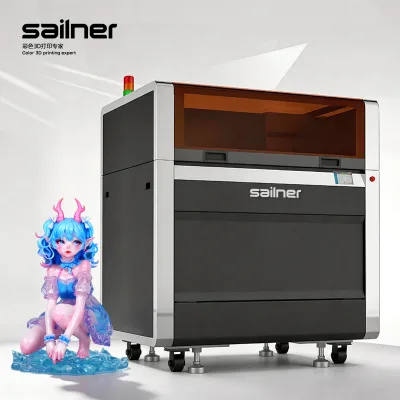


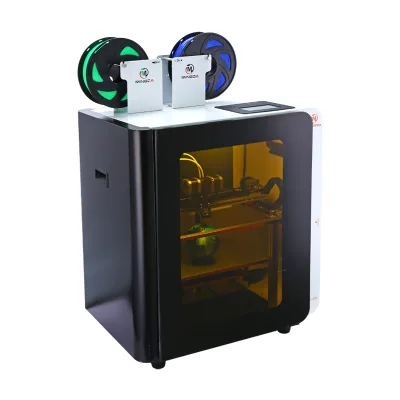
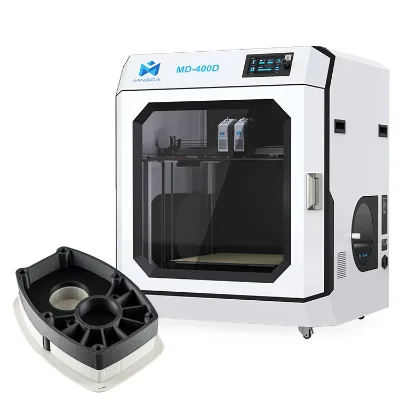
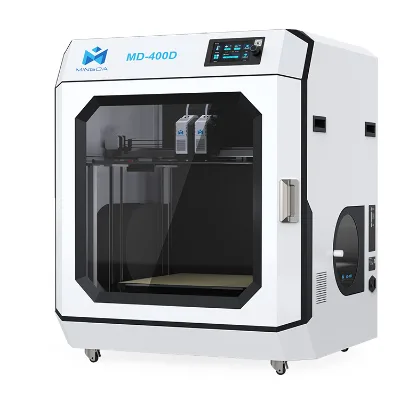
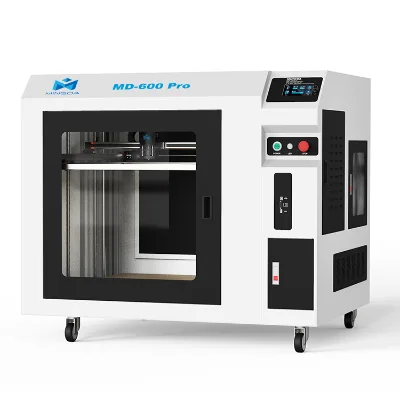
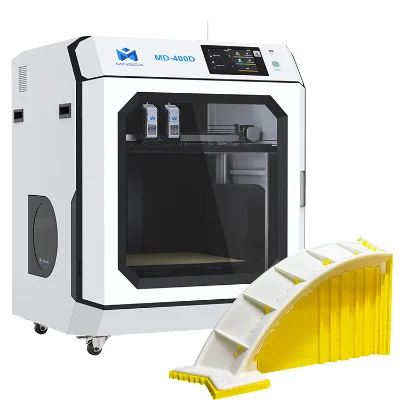
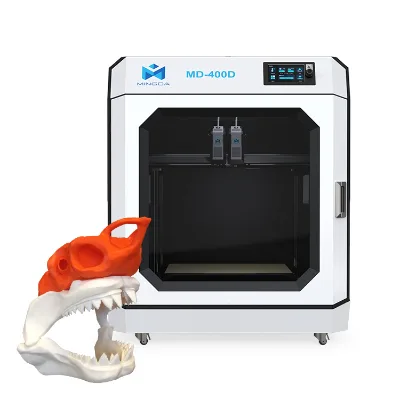

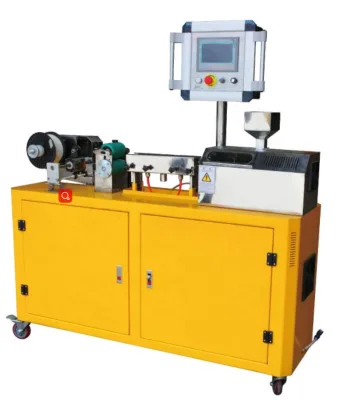
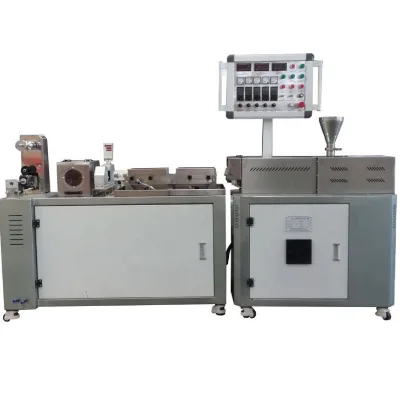

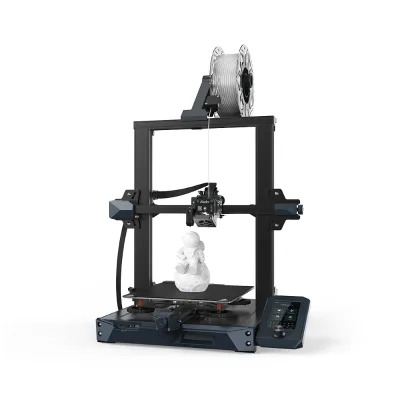
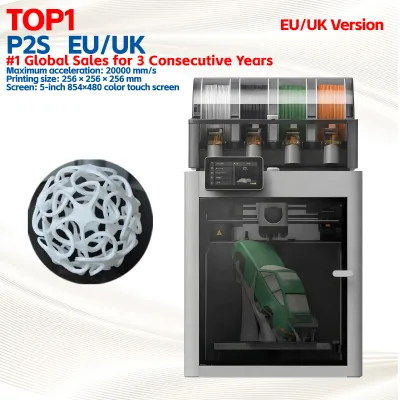
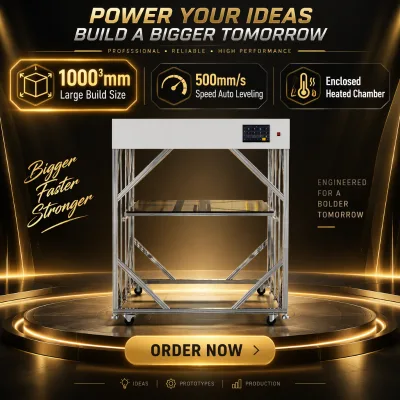
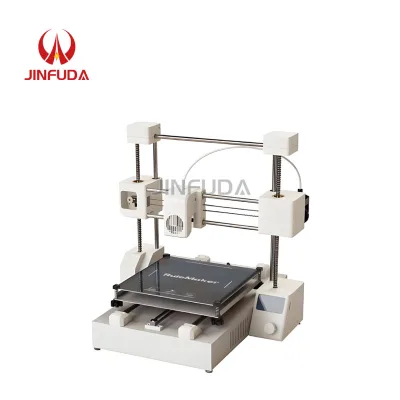
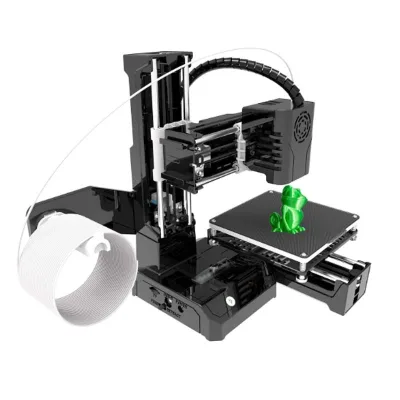
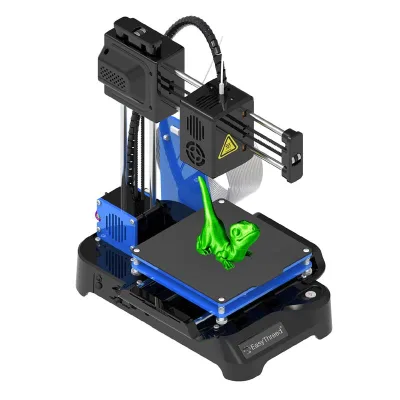
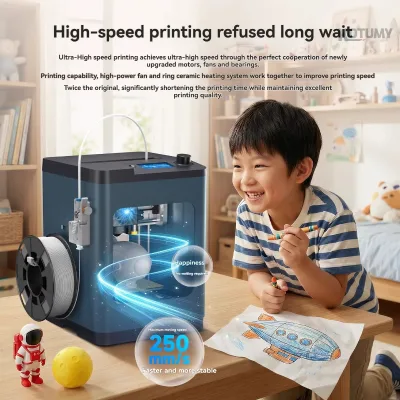
High Quality Desktop 3D Printer Full Kit 3D Printer Machine for Beginners 3D Printer
$67.2946 - $89.0359
MOQ: 1 pieces

Comprehensive Sourcing Guide
Dual Extruder Desktop 3D Printer Sourcing Guide
Sourcing a Dual Extruder Desktop 3D Printer requires careful evaluation of connectivity, build volume, and material compatibility to ensure the equipment meets specific industrial or prototyping needs. Buyers must verify that the selected unit supports the required printing technologies, such as FDM or Polyjet, and confirm the nozzle configuration aligns with multi-material or support structure requirements.
The procurement process should also account for physical dimensions, power consumption, and operating system compatibility. Since these machines often operate on AC 100-240V and connect via Ethernet, USB, or Wi-Fi, verifying plug specifications and network integration is essential for seamless deployment in existing workshop environments without requiring additional adapters or infrastructure upgrades.
Product Scope and Observed Listing Signals
The current market for dual extruder desktop 3D printers includes units with varying build volumes, ranging from compact 150x160 mm formats to larger 220x220x300 mm capacities. Listings indicate that these devices typically support multiple material channels, including resin and filament, and offer high-resolution outputs up to 600x600x1800 dpi. Buyers should observe that nozzle quantities can vary significantly, with some models featuring 2560 or 3840 nozzles per hole, which impacts print speed and detail fidelity.
Connectivity options are diverse, with many units supporting Ethernet, SD card, USB, and Wi-Fi interfaces to facilitate easy file transfer and remote monitoring. The observed product attributes suggest that these printers are designed for industrial applications, featuring automatic optimization functions and support for standard file formats like STL, PLY, and OBJ. This versatility allows for rapid prototyping and complex multi-material prints, making them suitable for detailed engineering and design workflows.
Technical Specifications to Verify
When evaluating technical specifications, buyers must confirm the print speed, which can range from up to 350 mm/s to 600 mm/s depending on the model and resolution settings. It is critical to verify the number of print heads, as some units feature two sets while others may have three, directly influencing the ability to print multi-color or multi-material objects simultaneously. Additionally, checking the precision metrics, such as X/Y precision of 0.05mm and Z precision of 0.1mm, ensures the machine meets the tolerance requirements for your specific projects.
Build material compatibility is another key factor, with many desktop printers supporting resin-based materials for high-detail outputs or FDM technology for durable functional parts. Buyers should also inspect the forming size options, which may include various configurations like 100x120x100 mm or 200x200x200 mm, to ensure the machine fits within your available workspace. Verifying the single gross weight, which can range from 191.0 kg to 670.0 kg, is also important for logistics planning and floor load considerations in your facility.
Compliance and Safety Documentation
Safety and compliance documentation are essential for integrating 3D printers into professional environments, particularly when dealing with high-voltage components and moving mechanical parts. Buyers should request evidence of electrical safety certifications, ensuring the device operates safely within the specified AC 100-240V range and utilizes appropriate plug specifications for the target region, such as AU, EU, UK, or US plugs. This verification helps prevent electrical hazards and ensures compliance with local workplace safety regulations.
Environmental and material safety standards, such as RoHS compliance, should also be reviewed to confirm that the printer and its consumables do not contain hazardous substances. While specific certification statuses may vary by supplier, buyers must ensure that the supporting materials, including resins and filaments, are handled and disposed of according to local environmental guidelines. This due diligence protects both the operator and the organization from potential health risks and regulatory penalties associated with improper material handling.
Cost Drivers and Commercial Terms
The cost of dual extruder desktop 3D printers is influenced by several factors, including build volume, print technology, and resolution capabilities. Units with larger build volumes and higher nozzle counts, such as those with 3840 nozzles per hole, typically command higher prices due to increased manufacturing complexity and performance capabilities. Buyers should also consider the power consumption, which can be up to 1200W, as this impacts long-term operational costs and energy efficiency requirements.
Commercial terms, including minimum order quantities (MOQ) and lead times, vary among suppliers and should be negotiated based on volume and urgency. Observed MOQ ranges from 1 to 10 units, allowing for flexible purchasing options for small teams or larger industrial deployments. Additionally, warranty terms, such as the standard one-year coverage, should be clearly defined to protect against defects and ensure ongoing support for maintenance and repairs throughout the equipment's lifecycle.
Supplier Qualification and Quality Control
Supplier qualification is critical when sourcing industrial-grade 3D printers, as the reliability of the equipment directly impacts production continuity and project success. Buyers should verify the supplier's production capacity, which may reach up to 10,000 units, to ensure they can meet demand without compromising quality or delivery schedules. Additionally, checking the place of origin, such as Guangdong, China, can provide insights into the manufacturing ecosystem and supply chain robustness for these devices.
Quality control measures should include pre-shipment inspections to verify that each unit meets the specified technical parameters, including print speed, resolution, and connectivity functions. Buyers should request detailed packing information, noting that single package sizes can be substantial, such as 870x675x790 cm or 1170x660x1280 cm, to plan for appropriate handling and storage. Ensuring that the supplier provides comprehensive documentation and training materials will also facilitate smoother onboarding and operational efficiency for your team.
Long-Term Procurement Checks
Long-term procurement success depends on establishing a reliable supply chain for consumables and spare parts, such as nozzles, print heads, and resin support materials. Buyers should confirm the availability of replacement components and the supplier's ability to provide timely technical support for maintenance and troubleshooting. This foresight minimizes downtime and extends the operational life of the printer, ensuring consistent performance over time.
Regular performance audits and software updates should also be part of the long-term strategy to maintain optimal print quality and security. Since these devices often run on Windows OS and support various file formats, keeping the software up to date ensures compatibility with evolving design workflows. Additionally, monitoring the condition of the printer, including its automatic optimization features and connectivity stability, helps identify potential issues before they impact production, safeguarding your investment in dual extruder technology.
FAQs
What is the build volume for this Dual Extruder Desktop 3D Printer?
The build volume varies by model, with options including 220x220x250 mm and 200x250x300 mm. Some configurations offer smaller volumes like 162x162x181 mm. These dimensions support diverse prototyping needs while maintaining a compact desktop footprint suitable for industrial environments.
Can this printer handle multicolor printing with multiple material channels?
Yes, the system supports multicolor output through 12 material channels. It utilizes Polyjet or FDM technologies depending on the specific model. This capability allows for complex, multi-material prototypes without requiring manual filament swaps, enhancing efficiency for detailed industrial applications.
What connectivity options are available for the Dual Extruder Desktop 3D Printer?
The printer offers Ethernet, USB, SD card, and Wi-Fi connectivity. These wired and wireless options ensure flexible data transfer and remote monitoring capabilities. Users can easily integrate the device into existing industrial workflows or connect directly to computers for immediate printing tasks.
What is the maximum print speed for this industrial 3d printer?
Print speeds range up to 350 mm/s or 600 mm/s depending on the specific model configuration. Higher speeds are achieved with optimized print heads and nozzle setups. This performance ensures rapid prototyping cycles while maintaining precision for detailed industrial components and functional parts.
What is the warranty period for this Dual Extruder Desktop 3D Printer?
The product comes with a standard one-year warranty. This coverage applies to the new condition units shipped from Guangdong, China. Buyers should verify specific terms with suppliers, as warranty details may vary slightly between different manufacturers and vendors offering these industrial-grade machines.
Which file formats are supported by this desktop 3d printer?
The printer supports STL, PLY, WRL, OBJ, and ULP file formats. These standard formats ensure compatibility with most 3d modeling software. Users can easily import designs without conversion issues, streamlining the workflow from digital creation to physical prototyping in industrial settings.